How to Check RAM Slots and Identify Installed Memory
Your one-stop solution for all your computer information needs.Latest SIW version: 16.16.1014 Released: October 14th, 2026 • What's new Download the free 14-day trial Buy SIW
Short answer
For a quick summary, open Task Manager > Performance > Memory. It shows installed memory, current use, speed, and slot information when Windows can read it. To identify each installed module, including manufacturer, part number, serial number, configured speed, and memory type, use PowerShell or SIW.
Check the summary in Task Manager
- Press Ctrl + Shift + Esc to open Task Manager.
- Select Performance, then select Memory.
- Review total memory, current use, available memory, speed, form factor, and slots used.
Task Manager is ideal for checking whether a system sees the expected total capacity and whether memory pressure is affecting performance. It is not a complete SPD viewer: it may not show the full part number, module serial number, rank layout, or every timing supported by the memory.
Treat Slots used as a starting estimate, not as permission to buy that many modules. Firmware may report onboard memory or locations that are not user-accessible sockets. Record separate fields for reported slots, confirmed accessible sockets, installed modules, and target capacity.
List memory modules with PowerShell
Open PowerShell and run:
Get-CimInstance -ClassName Win32_PhysicalMemory |
    Select-Object DeviceLocator, Manufacturer, PartNumber,
        @{Name='CapacityGB'; Expression={[math]::Round($_.Capacity / 1GB, 2)}},
        Speed, ConfiguredClockSpeed, SMBIOSMemoryType
Each output row represents a physical memory module reported by firmware. Speed is the module's reported capability, while ConfiguredClockSpeed is the speed the platform configured for the current boot. Some systems leave one or more fields blank or return a numeric SMBIOS memory-type code rather than a friendly DDR name.
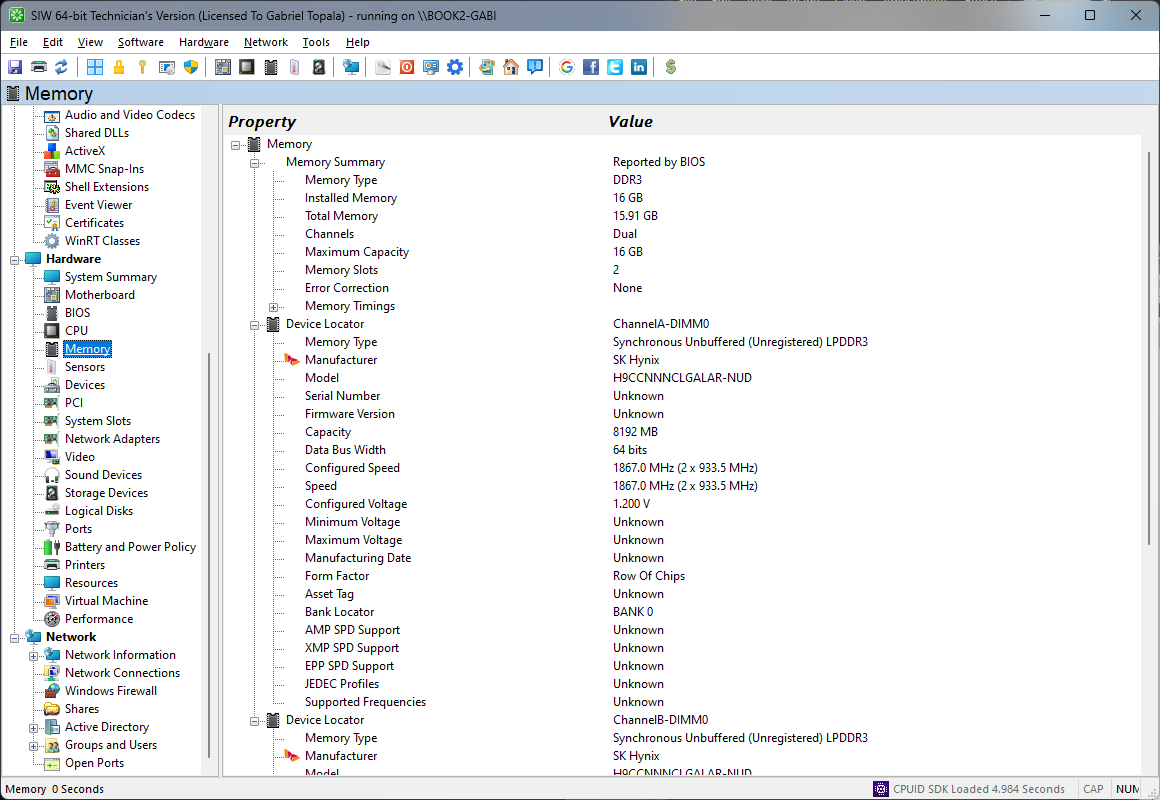
Identify RAM modules in SIW
- Run SIW.
- Expand Hardware and select Memory.
- Review total physical memory, channel and slot layout, module capacity, manufacturer, part number, serial number, memory technology, rank, timings, voltage, and SPD fields when exposed.
Confirm the physical layout and supported capacity
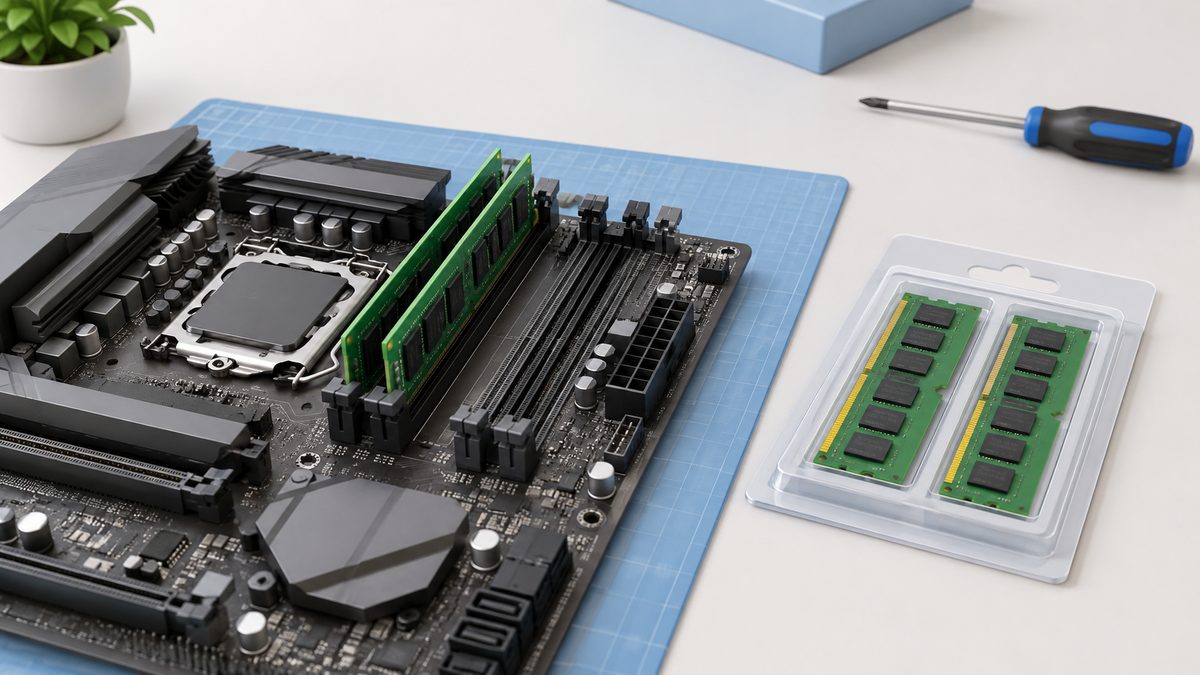
Find the exact computer model's service manual, or the exact motherboard manual for a custom desktop. Confirm the memory generation, module format, maximum total capacity, supported module sizes, and whether the memory is soldered or replaceable. A laptop can report a memory total while having no accessible upgrade socket.
- An accessible empty socket: consider adding a supported module after checking the permitted combination.
- All accessible sockets occupied: plan a replacement configuration rather than an addition.
- Integrated memory without an expansion socket: do not order a conventional plug-in module.
For example, if a manual supports 32 GB across two accessible sockets and both sockets contain 8 GB modules, the current capacity is 2 × 8 GB = 16 GB. Replacing them with a supported pair of 16 GB modules gives 2 × 16 GB = 32 GB, an increase of 16 GB without adding a socket.
Match modules to channels and slot positions
A physical slot is not the same thing as a memory channel. Four sockets do not automatically mean four channels. A dual-channel system can have two sockets per channel, and the motherboard manual may recommend particular positions for one, two, or four modules.
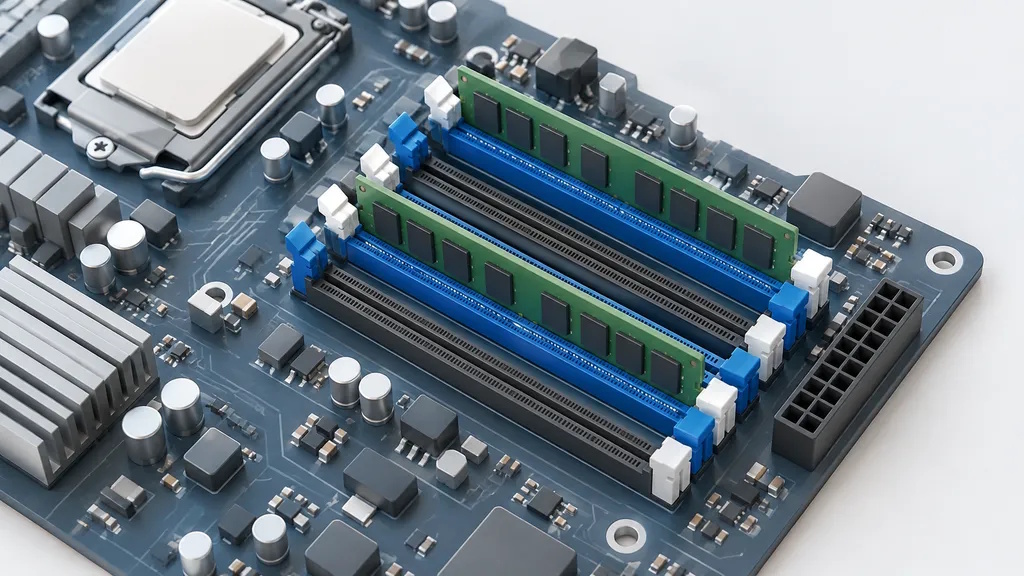
For a two-module upgrade, identify the recommended pair before removing anything. Populating two modules per channel can reduce the maximum supported transfer rate on some platforms, so choose the documented capacity and speed combination rather than assuming that more occupied sockets means more bandwidth.
Check compatibility before installation
An empty socket does not establish compatibility. Match the required DDR generation and module format, then check the manufacturer's supported configuration. DDR5 modules are not substitutes for DDR4 modules, and their keying differs to prevent insertion into incompatible sockets.
Prepare a purchase note that names the exact system or board, intended total capacity, module count, capacity per module, required slot positions, and proposed part number. Keep the manual's supported specification beside the proposed memory kit.
Before opening the computer, follow its service procedure for shutdown, power disconnection, battery handling, and electrostatic-discharge precautions. During installation, align the module notch with the socket key and confirm that the retention mechanism locks. Afterward, check the firmware's memory status against the intended capacity.
Understand the numbers
Installed memory is the physical RAM detected by firmware. Usable memory is what Windows can use after hardware-reserved regions, integrated graphics reservations, firmware settings, and virtualization or security features are accounted for. The two values can legitimately differ.
Memory speed can be displayed as a clock rate or an effective transfer rate, depending on the tool. DDR memory transfers data on both clock edges, so a label such as DDR4-3200 is commonly associated with a 1600 MHz clock. Compare the naming convention before deciding that two tools disagree.
SPD (Serial Presence Detect) data is stored on the memory module and contains vendor-supplied characteristics. It is valuable for upgrade planning, but a module can support several profiles while the motherboard runs a safer or different configured profile.
Memory speed can also be shown as MT/s or MHz. MT/s measures transfers per second, while MHz measures clock frequency. For example, DDR4-3200 has a 3,200 MT/s data rate and a 1,600 MHz clock rate. Compare the naming convention before deciding that two tools disagree.
Related SIW references
- SIW Memory module
- How to Find Your Motherboard Model in Windows
- Why Is My Computer Beeping? if the computer produces startup warnings after an upgrade
- How to Generate a Windows Hardware Inventory Report
- SIW Frequently Asked Questions